
If you are having trouble clicking with your tongue on MouthX, it is usually because the click is being performed while the pointer is still moving.
With MouthX, clicking requires some precision. If your tongue moves the joystick at the same time as you try to click, the device may interpret the movement first, making the click feel difficult or inconsistent.
This is normal at the beginning and can improve with practice.
What should I do?
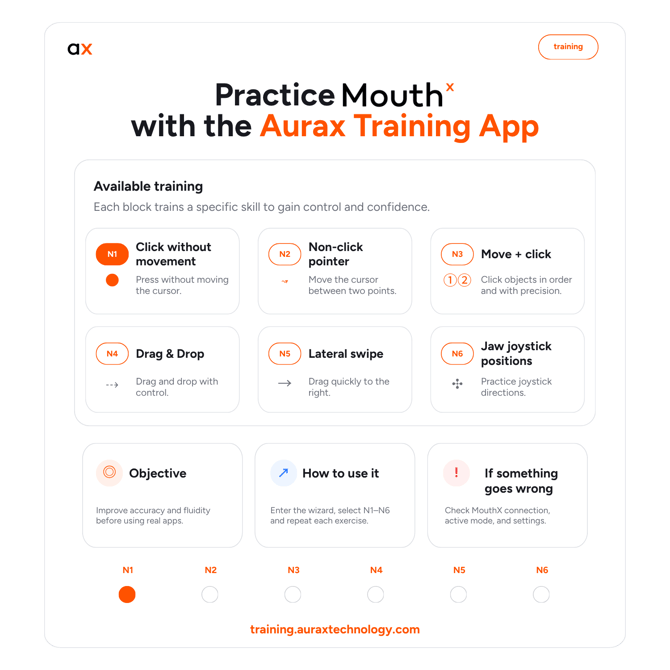
We recommend using the Aurax Training App to practise clicking without moving the pointer.
You can access the training guide here. Inside the training exercises, focus especially on practising click control and pointer precision.
Why is this useful?
The training exercises help you:
- Practise clicking without moving the pointer.
- Improve tongue control.
- Separate pointer movement from click actions.
- Build precision before using MouthX in everyday apps.
Important
Do not worry if clicking does not feel natural at first. The goal is not to do it perfectly from the beginning, but to gradually improve control, timing, and precision. With practice, the click should become easier and more consistent.